Base64 to Image and Image to Base64 in JavaScript and Python
Convert Base64 to an image and back in the browser, Node and Python, with the size cost of Base64 measured on a 205 KB photo.
The five kinds of image API, with a real request for each, what each one is priced on, and how to pick the ones your app needs.
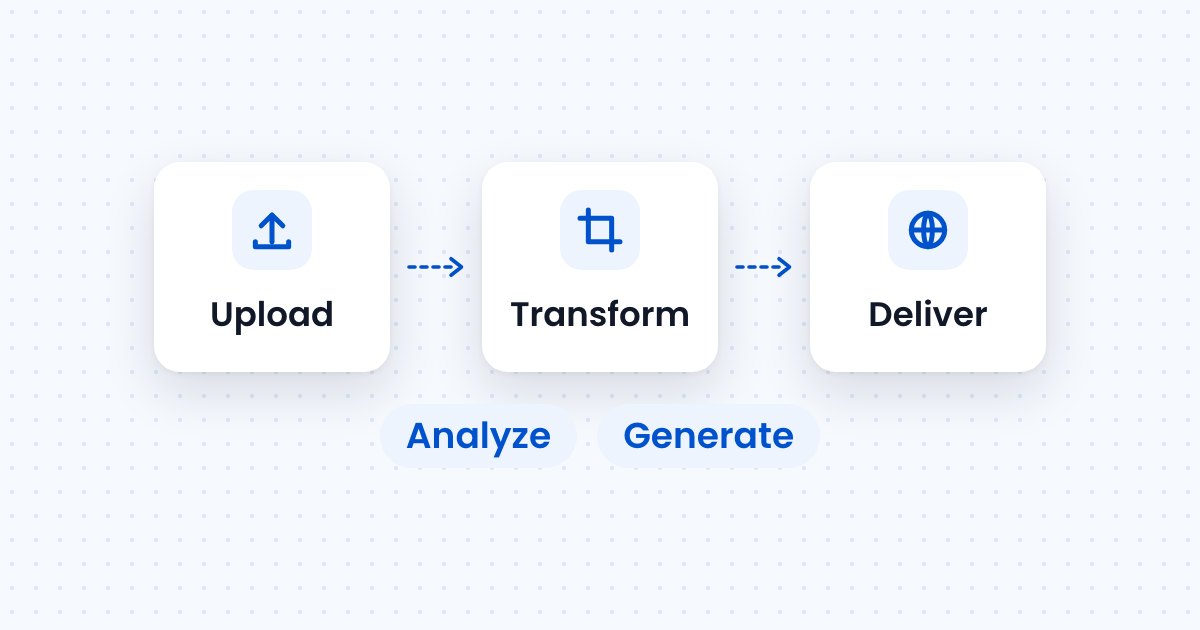
An image API is a web service that works on images through HTTP requests. Your app sends a request with an image or a reference to one, and the API stores it, changes it, serves it, describes it or creates a new one.
Most image APIs fall into five kinds: upload APIs that store images and return URLs, transformation APIs that resize and convert them, delivery APIs that serve them from a CDN, analysis APIs that tag or moderate them, and generation APIs that create new ones. A single service often covers several kinds. Image Upload API runs on Filestack and covers the first four, so you can upload images through an API and serve every size from the same account.
The five kinds are upload, transformation, delivery, analysis and generation. Each does one job and is usually priced on its own meter.
| Kind | What it does | Example request | Usually priced on |
|---|---|---|---|
| Upload | Stores an image and returns a URL | POST /api/store/S3 with the file as the body | Uploads and storage |
| Transformation | Resizes, crops, rotates and converts an image | resize=width:480/output=format:webp in the image URL | Transformations |
| Delivery | Serves each image and variant from a CDN cache | GET on a cdn.filestackcontent.com URL | Bandwidth |
| Analysis | Tags, moderates or reads text in an image | tags=version:2 task on a signed URL | Images analyzed |
| Generation | Creates a new image from a text prompt | A prompt sent to a generation model | Images generated |
The upload, transformation and delivery kinds form one pipeline. The image goes in once, and every size and format the pages need comes out of its URL.

How each meter adds up for a real store is worked through in what uploads, storage and bandwidth cost.
You call an image API with an HTTP request that carries your API key or a signed policy. Upload and analysis calls are usually a POST that returns JSON. Transformation and delivery calls are usually a plain GET on an image URL, so an <img> tag can make them.
The upload call sends the file as the request body and returns its URL. This is the Filestack store endpoint, with your key in place of YOUR_API_KEY:
curl -X POST \
  --data-binary @hat.jpg \
  --header "Content-Type: image/jpeg" \
  "https://www.filestackapi.com/api/store/S3?key=YOUR_API_KEY"
The response is JSON with the new file’s url, size, type, filename and storage key, as shown in the Filestack upload documentation. The last part of the URL is the file’s handle, which every other call uses. Sending the file as raw binary keeps the body the size of the file, and Base64 to image and back shows how to send an image you only have as a Base64 string.
A transformation is a task written into the image URL. This URL rotates the test photo upright, crops it to a 480 px square and converts it to WebP:
https://cdn.filestackcontent.com/rotate=deg:exif/resize=width:480,height:480,fit:crop,align:center/output=format:webp,quality:80/zcjsVk1qSKWjIebIhHucIt returns a 480 × 480 WebP of 44,598 bytes from a 721 × 1118 JPG of 209,870 bytes, measured October 30 and November 6, 2026. The stored original stays unchanged, so a different size is a different URL. Every task is listed in the Filestack processing documentation, and the file sizes for each format are compared in WebP vs AVIF vs JPG.
The CDN answers each request from a cache near the visitor. Requesting the URL above with curl -I on November 6, 2026 returned these headers:
content-type: image/webp
content-length: 44598
cache-control: public, max-age=1712798
x-cache: MISS, HIT
x-cache: HIT means the CDN served the file from its cache. The variant was generated on the first request, and later requests reuse it until the cache expires.
An analysis call returns data about the image instead of the image. Filestack’s tagging task returns labels with confidence scores, and it runs on a signed URL with a security policy:
https://cdn.filestackcontent.com/security=p:POLICY,s:SIGNATURE/tags=version:2/HANDLEThe response is JSON such as {"tags": {"auto": {"paper": 96, "text": 85}, "user": null}}, as documented in the Filestack image tagging documentation. Moderation works the same way: the sfw task returns {"sfw": true} or {"sfw": false}. Signing a policy is covered in the security policy documentation.
A generation call sends a text prompt to an image model and returns a new image, either as a file or as a URL to one. The image it returns has no handle until it is uploaded, so an app that serves generated images uploads each one and then transforms and delivers it like any other photo.
Most image API errors arrive as HTTP status codes, and four situations come up most often with uploads and image URLs.
| Condition | Response | What to do |
|---|---|---|
| The upload uses a key that does not exist | 200 with the plain-text body Invalid Application | Check the body as well as the status, and fix the key |
A task that needs a signed policy, such as tags, is requested without one | 403 | Sign a policy and add it to the URL |
| The page requesting an image is not on the app’s domain whitelist | 403 on every image URL | Add the domain to the whitelist, and let the browser send its Referer header |
| An image URL is requested a moment after the upload finishes | 503 for a few seconds | Retry with a short delay, such as every 2 seconds |
200 about 3 seconds after the upload completed.The Referer row matters for pages that set referrerpolicy="no-referrer" on images. With a domain whitelist turned on, those images get a 403, because the CDN cannot see which site asked for them. An upload larger than a server allows gets a different status, explained in the guide to 413 errors on image uploads.
Pick by the job the images do in your app. Most apps need upload, transformation and delivery together, and add analysis or generation for a specific feature.
A store with a catalog of product photos needs the first three. A marketplace where sellers upload photos adds moderation. A design tool that creates images from prompts adds generation.
Yes. Upload, transformation, delivery and analysis often come from one service, on one key and one bill, because each step works on the same stored file. Filestack covers all four: the upload returns a handle, tasks in the URL transform it, the Filestack CDN delivers it, and intelligence tasks analyze it.
Generation usually comes from a separate model provider. Its output is a new image, so it enters the pipeline as an upload.
No. A CDN is the delivery kind of image API. It caches and serves images, and transformation APIs often run on the same CDN so each variant is generated once and then cached, as described for the Filestack CDN.
Upload APIs do. They keep the original and return a URL to it, and transformation and delivery work from that stored file. Filestack stores uploads in its own storage by default and also supports your own Amazon S3, Google Cloud Storage or Azure storage.
Yes. Many image APIs have a free plan sized for development and small sites. The Filestack Free plan includes 500 uploads, 1,000 transformations, 1 GB of bandwidth and 1 GB of storage a month, as listed on November 6, 2026.
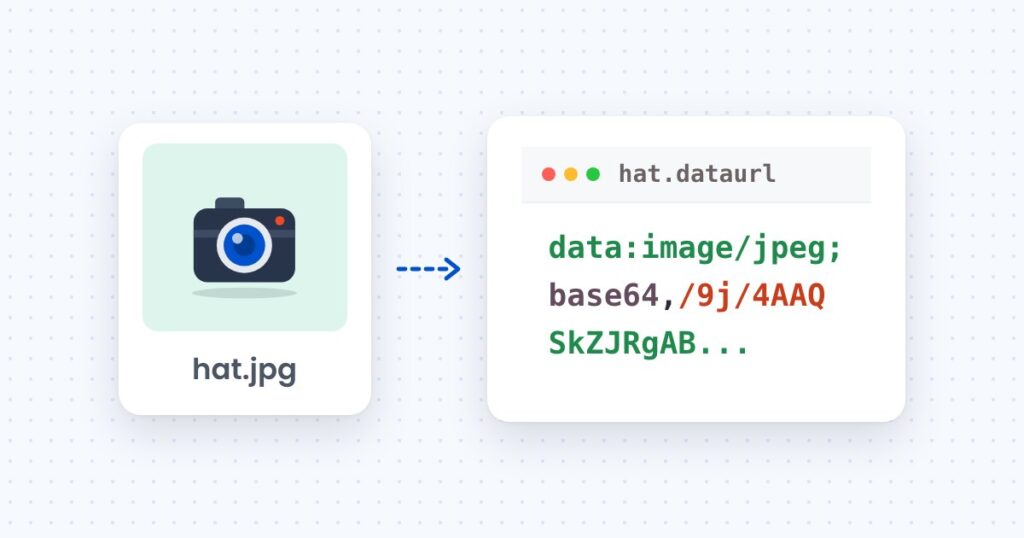
Convert Base64 to an image and back in the browser, Node and Python, with the size cost of Base64 measured on a 205 KB photo.
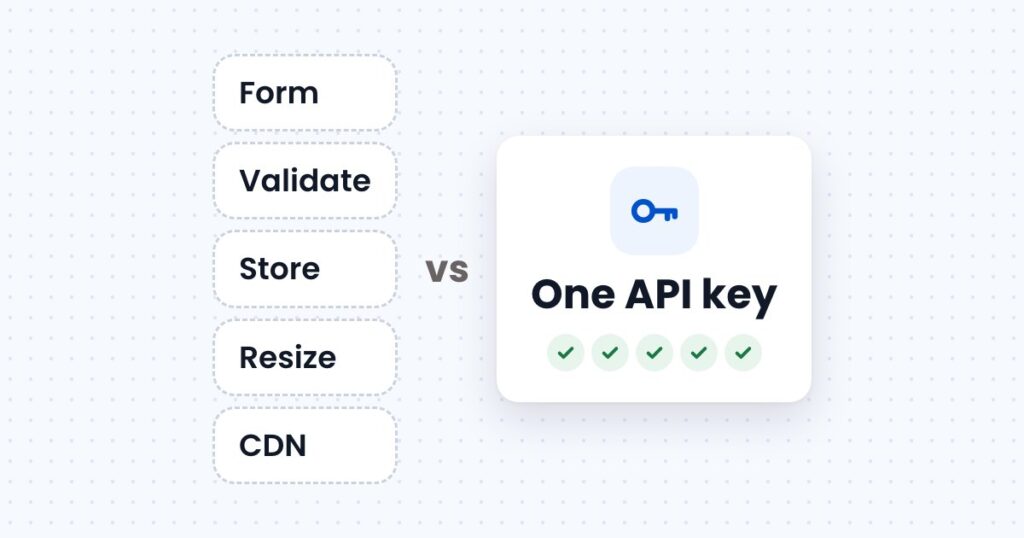
What it takes to accept, store, resize and deliver images on your own server, what an image upload API takes over, and usage at three store sizes.
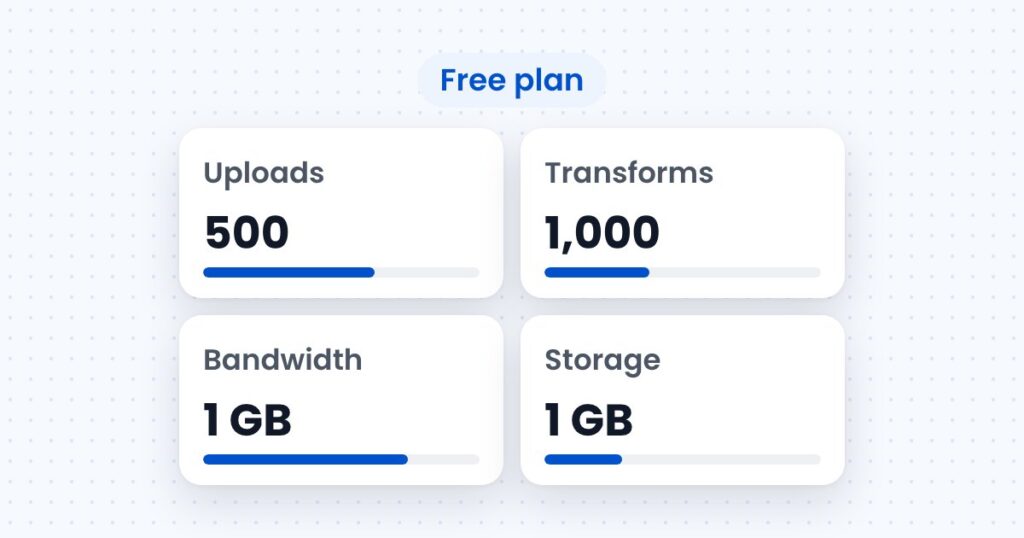
How image upload APIs price uploads, transformations, storage and bandwidth, with a worked monthly cost for a store with 2,000 products.