What Is an Image API? Five Kinds and What Each Does
The five kinds of image API, with a real request for each, what each one is priced on, and how to pick the ones your app needs.
How image upload APIs price uploads, transformations, storage and bandwidth, with a worked monthly cost for a store with 2,000 products.
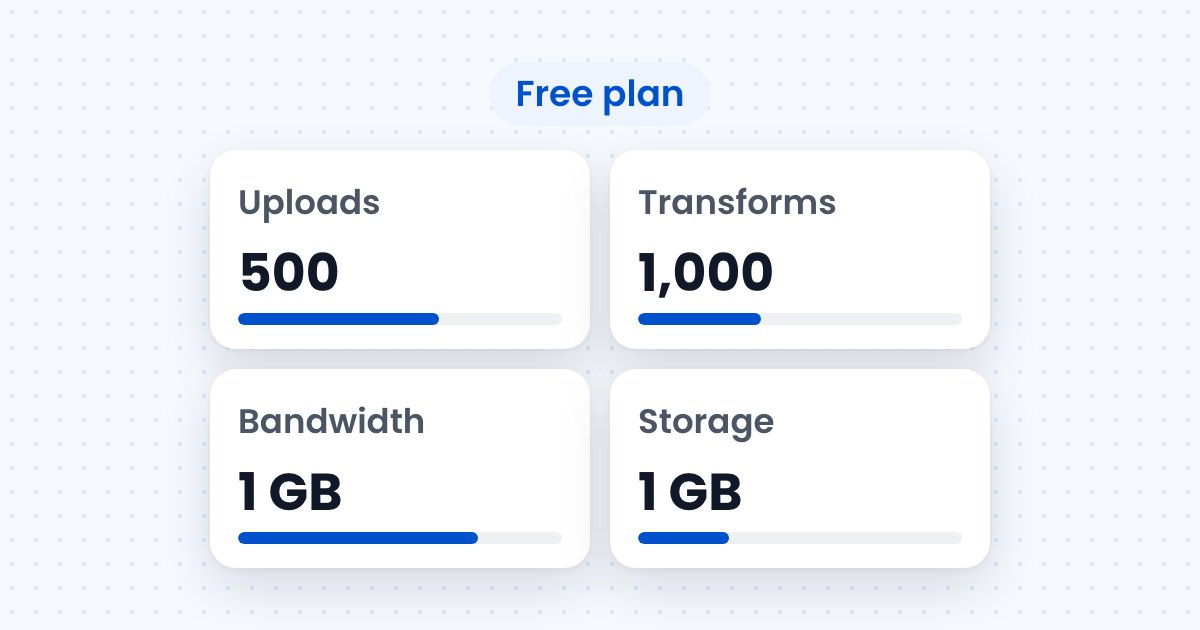
Image upload APIs charge for uploads, transformations, storage and bandwidth, and each plan includes a monthly amount of every one. Filestack’s pricing defines the four this way (Filestack pricing):
Every upload returns a CDN URL, and transformations are tasks in that URL, so the meters follow what happens to an image: it is uploaded once, stored, transformed into the variants a page needs, and delivered on every view. You upload images through an API and all four meters are billed on one account.
Bandwidth, because it grows with every page view. Uploads and storage grow with the number of photos, and transformations grow with the number of distinct variants.
In the worked example below, bandwidth reaches 84% to 145% of the Start plan’s allowance, while storage uses 3%, uploads 30% and transformations 60%.
A store with 2,000 products uses about 6,000 uploads, 1.3 GB of storage, 30,000 transformations and between 62.8 and 109.1 GB of bandwidth in a month, under the assumptions below. The photo sizes are the measurements from WebP vs AVIF vs JPG.
| Assumption | Value |
|---|---|
| Products and photos | 2,000 products, 3 photos each, 6,000 photos |
| Photo size | 209,870 bytes each, the test photo from the WebP vs AVIF vs JPG measurements |
| Variants per photo | 720 px for the product page in AVIF, WebP and JPG; the first photo of each product also at 480 px square and 240 × 300 in the three formats |
| Product page views | 60,000 a month, each loading one 720 px photo |
| Category page views | 40,000 a month, each loading 48 tiles at 480 px square |
| Caching | none, so every view downloads every file |
| Measured sizes | Filestack CDN responses, October 30, 2026 |
Uploads are 6,000, one per photo. Storage is 6,000 × 209,870 bytes, or 1.26 GB. Transformations are 6,000 × 3 formats for the product page plus 2,000 × 6 for the grid and cart variants, or 30,000. Bandwidth depends on the format served:
| Format served | Product pages | Category pages | Total | Share of 75 GB |
|---|---|---|---|---|
| JPG | 7.4 GB | 101.7 GB | 109.1 GB | 145% |
| WebP | 5.1 GB | 85.6 GB | 90.7 GB | 121% |
| AVIF | 3.1 GB | 59.7 GB | 62.8 GB | 84% |
A real store serves a mix, because the browser picks the first format it supports, so the bill lands between the rows.
Resizing cuts bandwidth first and a modern format cuts it again, and both change the bandwidth meter and nothing else. A 721-pixel original shown in a 240-pixel cart slot sends about ten times the bytes the slot needs, as measured in the format comparison.
Moving the example store from JPG to AVIF removes 46.3 GB a month, 42% of its bandwidth. At the Start plan’s overage rate of $0.20 per GB, that is the difference between $75.82 and $69.00 a month: JPG exceeds the 75 GB allowance by 34.1 GB, WebP by 15.7 GB, and AVIF stays inside it.
Two habits keep the transformation count down. Keep the order of tasks in a URL the same on every page, because Filestack counts the same tasks in a different order as a new transformation. And reuse the same few sizes instead of one size per slot, since each distinct URL counts once per cache period.
This URL chains three tasks, rotation from EXIF data, a 480 px square crop and AVIF output, and counts as one transformation for its cache period:
https://cdn.filestackcontent.com/rotate=deg:exif/resize=width:480,height:480,fit:crop,align:center/output=format:avif,quality:60/zcjsVk1qSKWjIebIhHucIt returns a 31,108-byte AVIF, the AVIF tile size used in Table 2. Put resize before rotate on another page and the same image counts as a second transformation.

Plans run from Free at $0 to Scale at $379 a month, and each includes a monthly amount of the four meters. These are the plans on the Filestack pricing page on November 4, 2026:
| Plan | Price | Uploads | Transformations | Bandwidth | Storage | Max file size |
|---|---|---|---|---|---|---|
| Free | $0 | 500 | 1,000 | 1 GB | 1 GB | 20 MB |
| Start | $69 a month | 20,000 | 50,000 | 75 GB | 50 GB | 1 GB |
| Grow | $199 a month | 50,000 | 150,000 | 200 GB | 150 GB | 2 GB |
| Scale | $379 a month | 125,000 | 300,000 | 400 GB | 350 GB | 5 GB |
| Enterprise | custom | custom | custom | custom | custom | custom |
Usage beyond a plan’s allowance is billed at overage rates, or you can move to the next plan. The rates fall as the plan rises:
| Meter | Start | Grow | Scale |
|---|---|---|---|
| Bandwidth, per GB | $0.20 | $0.15 | $0.10 |
| Uploads, each | $0.006 | $0.005 | $0.004 |
| Transformations, each | $0.0025 | $0.002 | $0.00125 |
| Storage, per GB | $0.50 | $0.375 | $0.25 |
The example store needs Start at minimum, because its 1.3 GB of storage and 6,000 uploads pass the Free allowances of 1 GB and 500.
No. A transformation URL counts once during its cache period, which is 30 days by default, and each view after that counts toward bandwidth only. Changing the order of the tasks in the URL creates a new transformation.
Usage above the allowance is billed at the plan’s overage rate, $0.20 per GB on Start, $0.15 on Grow and $0.10 on Scale. You can also upgrade to the next plan at any time.
Yes. The pricing page states that you can upgrade to a higher plan at any time by contacting support, and Enterprise customers can negotiate custom overage rates.
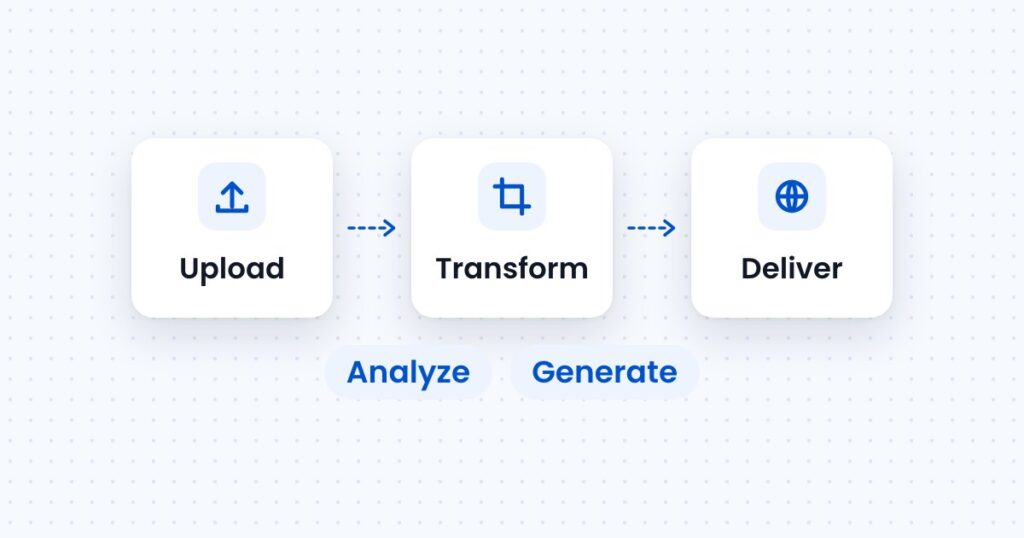
The five kinds of image API, with a real request for each, what each one is priced on, and how to pick the ones your app needs.
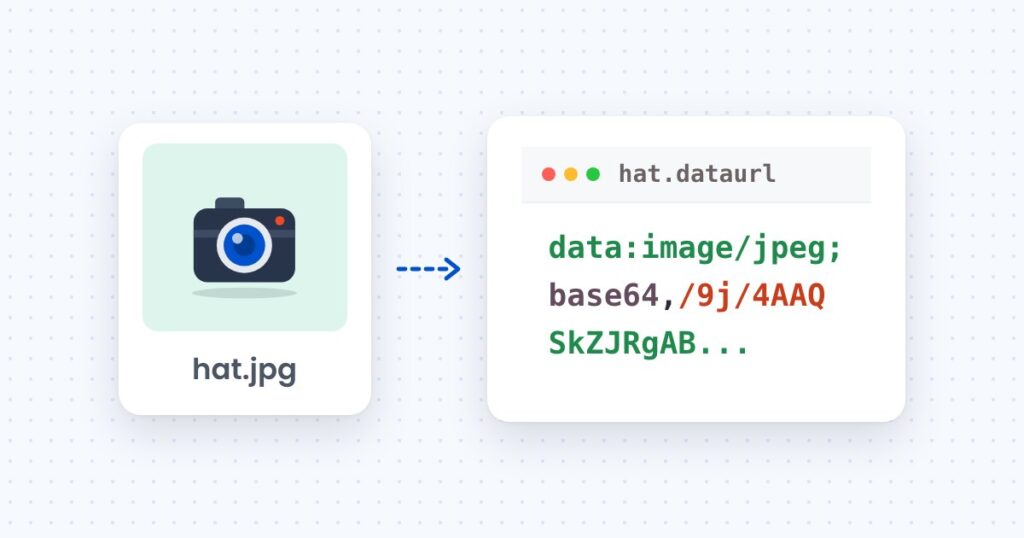
Convert Base64 to an image and back in the browser, Node and Python, with the size cost of Base64 measured on a 205 KB photo.
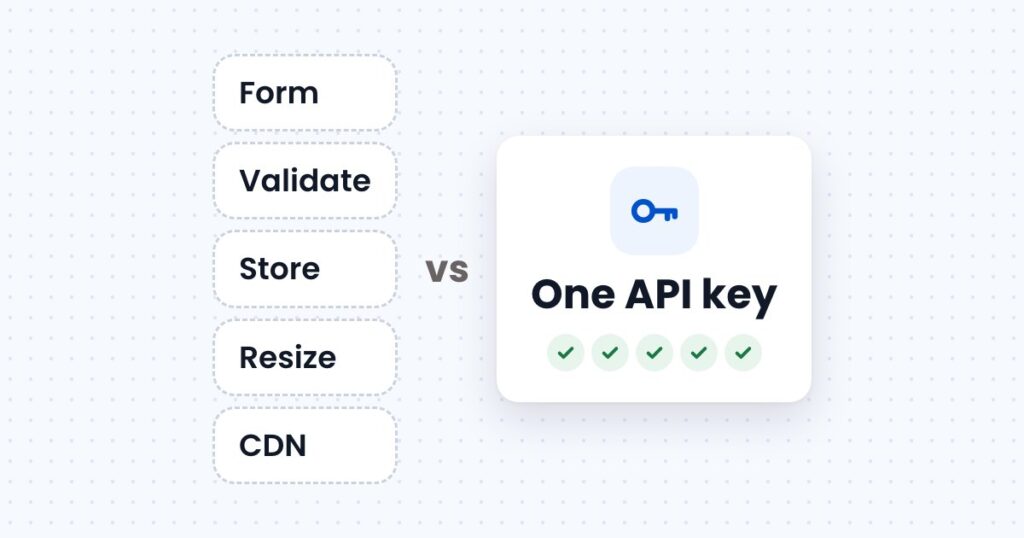
What it takes to accept, store, resize and deliver images on your own server, what an image upload API takes over, and usage at three store sizes.