What Is an Image API? Five Kinds and What Each Does
The five kinds of image API, with a real request for each, what each one is priced on, and how to pick the ones your app needs.
What it takes to accept, store, resize and deliver images on your own server, what an image upload API takes over, and usage at three store sizes.
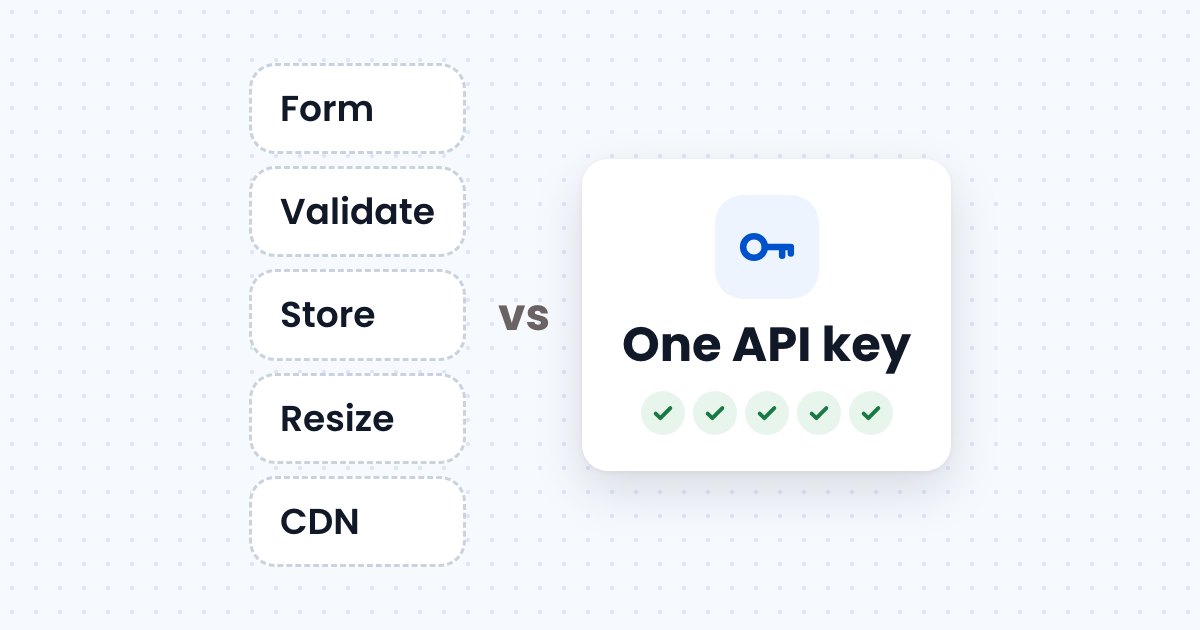
A self-hosted pipeline has five parts: an upload endpoint, validation, storage, resizing and format conversion, and delivery. Each part runs on your servers and is maintained by your team. The alternative is to upload images through an API, which takes over all five.
To upload an image to a server, the browser sends the file in a request, an endpoint receives it, and the server writes the bytes to disk or to object storage. The endpoint is the smallest part. The request has to get past the web server’s body limit first, as covered in 413 errors on image uploads, and the server then needs a place to keep the file and a way to serve it back.
| Part | What you build | What keeps running | API equivalent |
|---|---|---|---|
| Upload endpoint | A route that accepts multipart or binary bodies and sets size limits | The web server and framework limits at every layer | The picker or the store endpoint |
| Validation | Checks on the real file type, size and dimensions | Rules for allowed types, sizes and dimensions | Picker options and security policies |
| Storage | A bucket or disk layout, and a naming scheme | Capacity, backups and access rules | Filestack storage, or your own bucket |
| Resizing and formats | A resize job per size and a converter per format | The image library, its updates and the job queue | URL tasks such as resize and output |
| Delivery | A CDN in front of storage | Cache rules and the bandwidth bill | The Filestack CDN |
Each part costs engineering time to build and a bill or a maintenance load to run, and two of the parts carry a usage bill: storage and delivery. These are the two quantities that scale with a store.
The table below sizes three stores with the assumptions from the guide to what uploads, storage and bandwidth cost. Each product has 3 photos, each the 209,870-byte test photo. Each product gets 50 page views a month, 60% on product pages and 40% on category pages of 48 tiles. File sizes are the Filestack CDN measurements from October 30, 2026. Bandwidth is in decimal gigabytes.
| Store | Photos stored | Storage | Bandwidth as JPG | Bandwidth as AVIF |
|---|---|---|---|---|
| 200 products | 600 | 0.13 GB | 10.9 GB | 6.3 GB |
| 2,000 products | 6,000 | 1.26 GB | 109.1 GB | 62.8 GB |
| 20,000 products | 60,000 | 12.6 GB | 1,091.1 GB | 628.2 GB |
On your own server, multiply the storage column by your provider’s price per gigabyte stored, and the bandwidth column by its price per gigabyte served. Add the servers that run the resize jobs. Those three lines are the infrastructure bill, and the engineering time for the parts in Table 1 sits on top of it.
An image upload API takes over all five parts and bills them as four meters: uploads, transformations, storage and bandwidth. The resize and format work happens when a URL is requested, and the stored original stays unchanged. This 480 px square is generated from the stored 721 × 1118 original by the URL below it:

https://cdn.filestackcontent.com/rotate=deg:exif/resize=width:480,height:480,fit:crop,align:center/output=format:jpg,quality:80/compress/zcjsVk1qSKWjIebIhHucAdd or change a task in the URL and the next request returns a different size or format.
The plan each store needs, with every meter counted, is below. The month includes uploading the whole catalog, so its upload and transformation counts are the largest, and delivery is AVIF.
| Store | Uploads | Transformations | Plan | Month 1 cost |
|---|---|---|---|---|
| 200 products | 600 | 3,000 | Start | $69.00 |
| 2,000 products | 6,000 | 30,000 | Start | $69.00 |
| 20,000 products | 60,000 | 300,000 | Scale | $401.82 |
Served as JPG, the same stores cost $69.00, $75.82 and $448.11. That guide explains each meter and the overage rates.
Building your own makes sense when the files must stay on infrastructure you control, or when image handling is already a team’s main job. We would build in two cases: a compliance rule that bars third-party processing of the images, and a platform where image processing is the product.
Neither case rules out the API for part of the pipeline. Filestack stores uploads in its own S3 bucket by default, and the plans also support Amazon S3, Google Cloud Storage and Azure as storage backends, with storage aliases to use your own storage as a source for transformations (Filestack pricing).
Import each existing image from its URL, store the URL the API returns, and switch your pages to it. The loop below needs a Filestack API key in FILESTACK_API_KEY and a file old-image-urls.txt with one image URL per line. The store endpoint accepts a url field and copies the image into storage, as shown in the upload documentation:
while read -r url; do
  curl -s -X POST -d url="$url" "https://www.filestackapi.com/api/store/S3?key=$FILESTACK_API_KEY"
  echo
done < old-image-urls.txt
The loop sends one request per line of old-image-urls.txt and prints each response, which holds the new url, the size and the filename. Each file counts as one upload, and the migration also counts toward bandwidth, because it downloads each file from your server and uploads it again.
Storage alone is a small bill at the sizes in Table 2, with 12.6 GB for the largest store. The total depends on the other parts: resizing, formats, delivery and the engineering time to build and maintain them.
Yes. The plans support uploads to your own Amazon S3, Google Cloud Storage or Azure storage, and storage aliases let transformations read files from your own storage.
The time depends on the number of images, because the import is one request per image from a URL. Once each image has its new URL, pages switch by replacing the old path with the returned one.
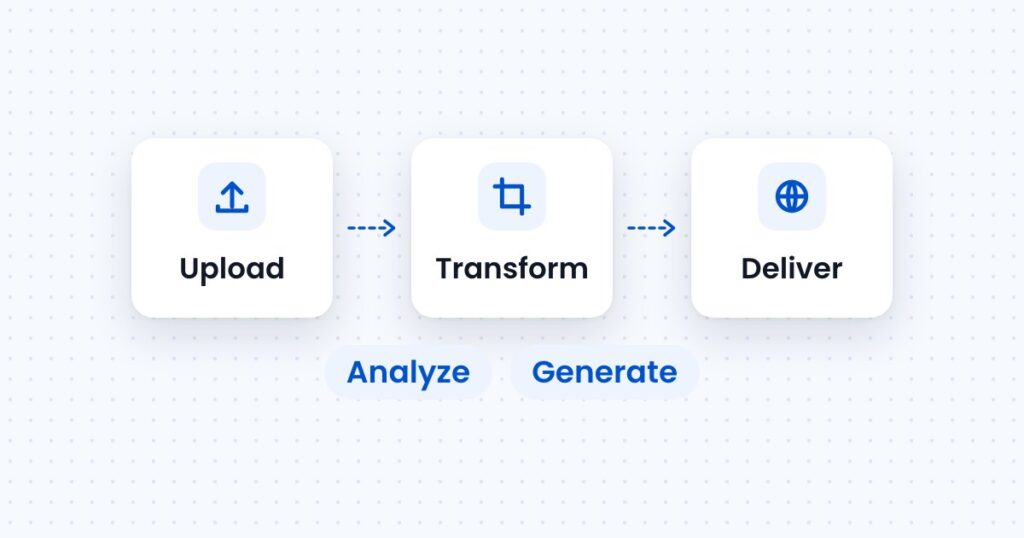
The five kinds of image API, with a real request for each, what each one is priced on, and how to pick the ones your app needs.
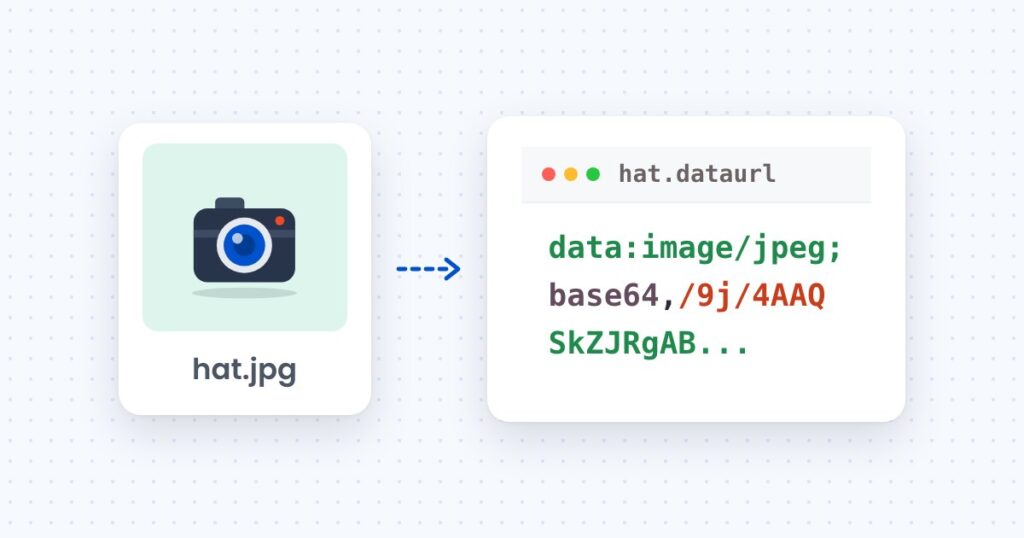
Convert Base64 to an image and back in the browser, Node and Python, with the size cost of Base64 measured on a 205 KB photo.
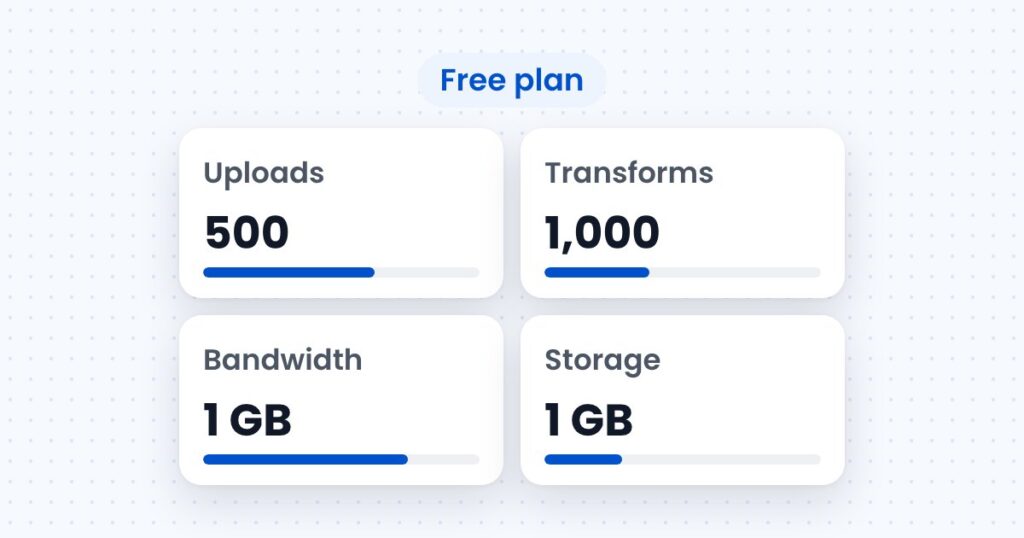
How image upload APIs price uploads, transformations, storage and bandwidth, with a worked monthly cost for a store with 2,000 products.