What Is an Image API? Five Kinds and What Each Does
The five kinds of image API, with a real request for each, what each one is priced on, and how to pick the ones your app needs.
A 413 error means a server rejected the upload as too large. Each limit an image upload passes, with defaults, and how to raise or avoid it.
LIMIT_FILE_SIZE error, and Express answers it with 500 unless a handler returns 413.A 413 error means the server refused the request because its body is larger than the server allows. MDN defines the status as 413 Content Too Large, and older software calls it Request Entity Too Large. The server answers before your upload handler runs, so no log line from your own code appears.
The limit applies to the whole request body. A multipart form with one photo and several text fields is counted together, and a JSON body counts the encoded string, not the image inside it.
An image upload passes the web server, the application framework, the language runtime and the image upload API, in that order, and each one has its own maximum. The smallest limit rejects the request, whichever layer it belongs to.
| Layer | Setting | Default | Where to change it |
|---|---|---|---|
| nginx | client_max_body_size | 1 MB | http, server or location block |
| Express JSON parser | limit option of express.json() | 100 KB | the middleware call |
| Multer | limits.fileSize | no limit | the multer() options |
| Django | DATA_UPLOAD_MAX_MEMORY_SIZE | 2.5 MB, file uploads excluded | settings.py |
| PHP and Laravel | upload_max_filesize and post_max_size | 2 MB and 8 MB | php.ini |
| Laravel validation | max rule | none, set in kilobytes | the validation rules |
| Filestack | maximum file size | 20 MB Free, 1 GB Start, 2 GB Grow, 5 GB Scale | the plan |
The other parts of a self-built upload pipeline are listed in the guide to uploading on your own server.
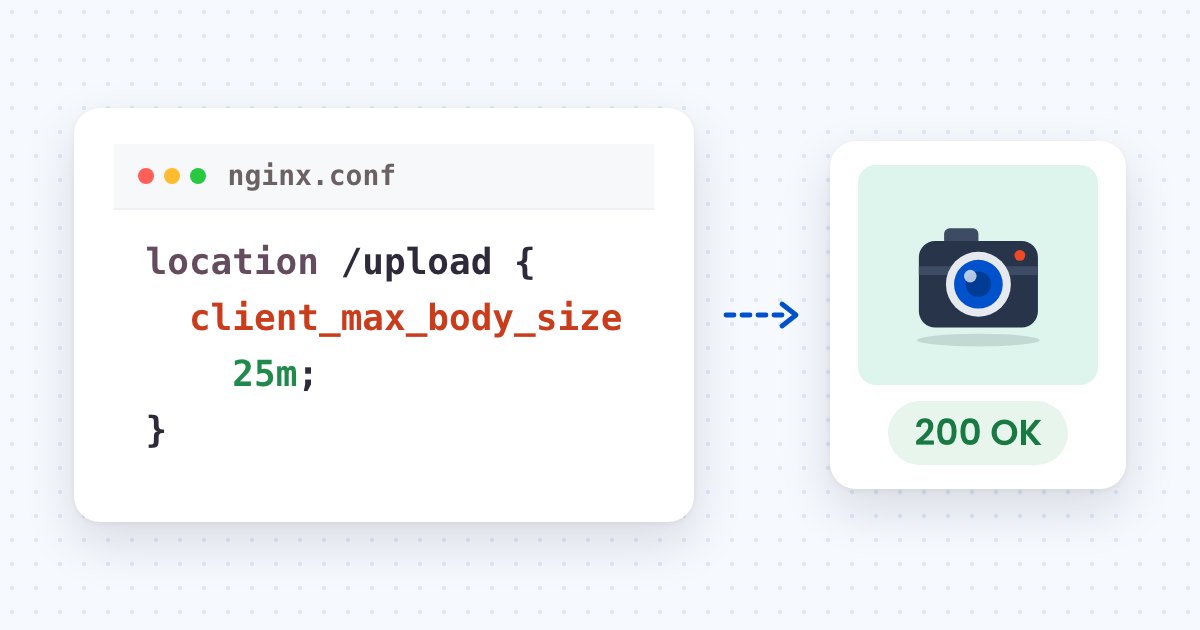
Set client_max_body_size to the largest request you accept, then reload nginx. The directive’s default is 1m, and nginx returns 413 when a request body exceeds it (nginx documentation). The directive works in the http, server and location contexts, so the limit can be raised for the upload route alone:
location /upload {
    client_max_body_size 25m;
    proxy_pass http://127.0.0.1:3000;
}
Setting the value to 0 turns the check off, which leaves the size of an upload to the layers behind nginx. nginx documents that browsers cannot display this error correctly, so an upload form should read the status from the response and show its own message.
Set the limit in the parser or setting that rejects the request. Each framework below was checked against its documentation, and Express was also run.
Express. The JSON parser’s limit option defaults to '100kb'. With Express 5.3.0 and body-parser 2.4.0, a {"image": "..."} body holding the 279,828-character Base64 string is rejected with 413 and request entity too large. The same body goes through express.json({ limit: "10mb" }), as checked on November 4, 2026. The better fix is to send the file as multipart or raw binary, as described in Base64 to image and image to Base64, and keep the parser at its default.
Multer. The Express examples are ES modules, run on Node.js 25.8.1, after this install:
npm install express multerMulter’s limits.fileSize has no limit by default. When a file passes the limit you set, Multer raises a MulterError with the code LIMIT_FILE_SIZE, and Express’s default handler answers it with 500. This handler returns 413 instead:
import express from "express";
import multer from "multer";

const app = express();
const upload = multer({ storage: multer.memoryStorage(), limits: { fileSize: 100 * 1024 } });

app.post("/upload", upload.single("image"), (req, res) => res.json({ bytes: req.file.size }));

app.use((err, req, res, next) => {
  if (err instanceof multer.MulterError && err.code === "LIMIT_FILE_SIZE") {
    return res.status(413).json({ error: "Image is larger than 100 KB" });
  }
  next(err);
});

app.listen(3000);
A file over the 100 KB limit, such as the 209,870-byte photo, gets a 413 and the JSON message above.
Django. DATA_UPLOAD_MAX_MEMORY_SIZE defaults to 2,621,440 bytes (2.5 MB) and raises RequestDataTooBig when a request body passes it. The check excludes file upload data (Django settings), so it affects Base64 strings in form fields and JSON bodies, not multipart files.
Laravel and PHP. PHP rejects a file before Laravel sees it when the file passes upload_max_filesize (default 2M) or the request passes post_max_size (default 8M). Keep post_max_size larger than upload_max_filesize (PHP manual). Laravel’s max validation rule measures files in kilobytes, so 'image' => 'required|image|max:10240' allows 10 MB (Laravel validation).
Resize first when the photos come from phones and cameras. A limit compares bytes, and a camera original is larger than the image a page displays. Resizing in the browser keeps every limit in Table 1 where it is and sends fewer bytes.
This function scales an image to at most 1,000 pixels on its longest side. It then re-encodes the result as JPG at quality 0.8:
async function resizeImage(file, maxSide = 1000, quality = 0.8) {
  const bitmap = await createImageBitmap(file, { imageOrientation: "from-image" });
  const scale = Math.min(1, maxSide / Math.max(bitmap.width, bitmap.height));
  const canvas = new OffscreenCanvas(Math.round(bitmap.width * scale), Math.round(bitmap.height * scale));
  canvas.getContext("2d").drawImage(bitmap, 0, 0, canvas.width, canvas.height);
  return canvas.convertToBlob({ type: "image/jpeg", quality });
}
In headless Chrome on November 4, 2026, the 721 × 1118 photo (209,870 bytes) becomes a 645 × 1000 JPG of 107,306 bytes. Upload the blob the function resolves with instead of the original file.

Raise a limit when files have to stay at full size, such as print masters, and set it to the largest file you accept at every layer, with the upload API’s maximum as the ceiling. A plan’s maximum file size is set by the plan: 20 MB on Free, 1 GB on Start, 2 GB on Grow and 5 GB on Scale (Filestack pricing). A browser upload sent straight to the API does not pass through your own server’s limits.
The default is 1 MB. client_max_body_size is 1m unless you set it, and nginx returns 413 for any request body above it.
A limit rejects every request whose body is over it, so a file from a phone camera can cross a limit that a resized image passes. The 209,870-byte test photo fits under nginx’s 1 MB default but not under Express’s 100 KB JSON default once it is Base64 encoded.
Yes. A multipart upload sends a file as separate parts, each in its own request, so no single request carries the whole file. Filestack’s API clients use this flow for uploads, and the upload documentation describes it.
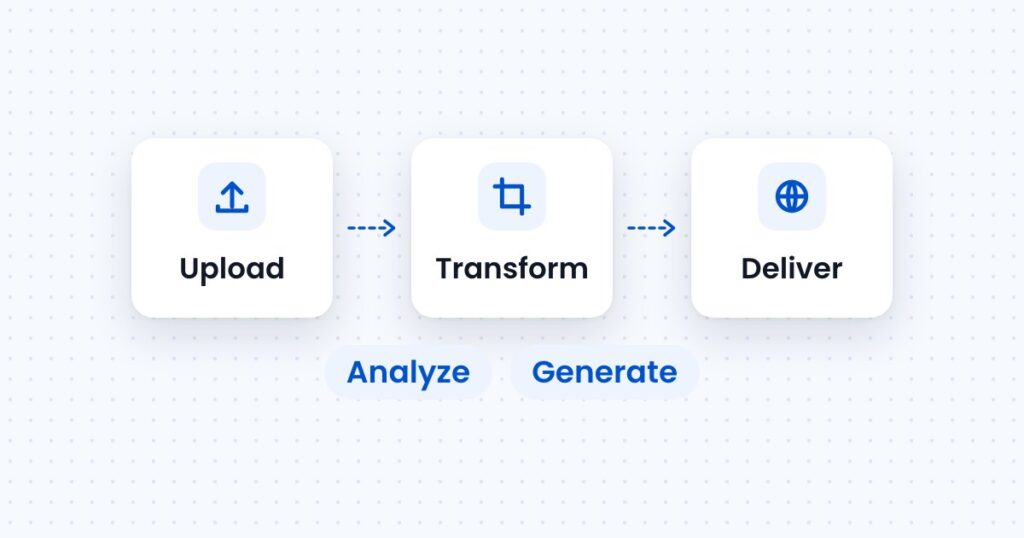
The five kinds of image API, with a real request for each, what each one is priced on, and how to pick the ones your app needs.
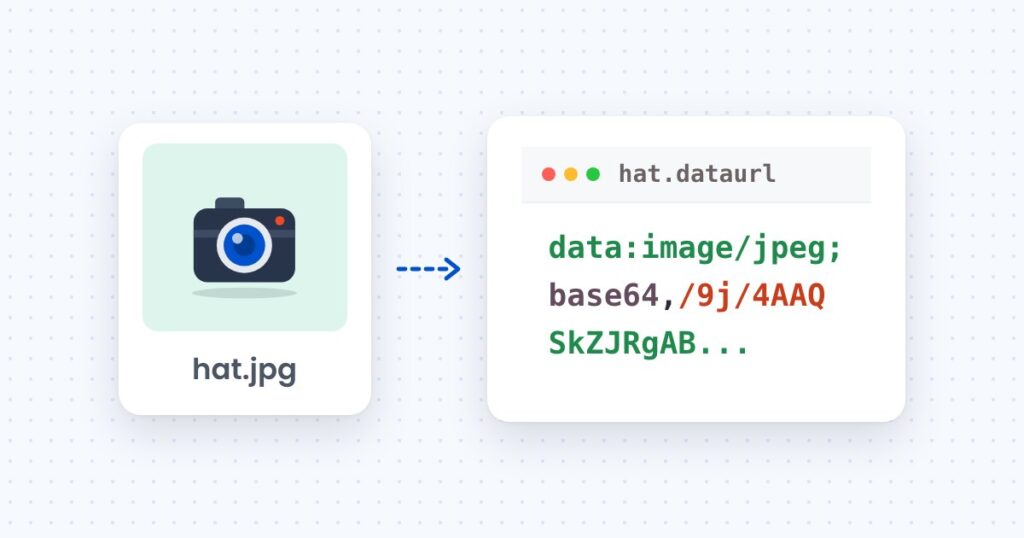
Convert Base64 to an image and back in the browser, Node and Python, with the size cost of Base64 measured on a 205 KB photo.
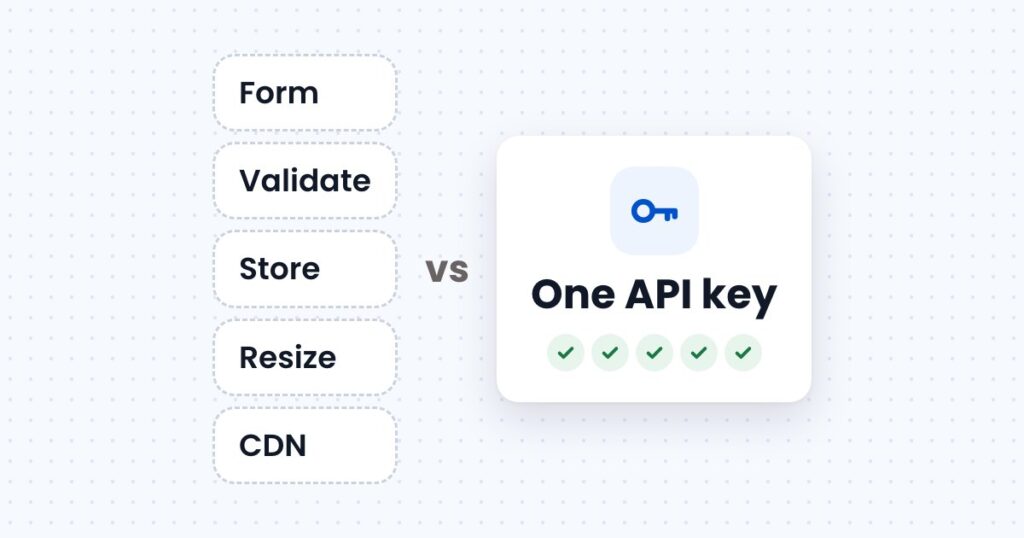
What it takes to accept, store, resize and deliver images on your own server, what an image upload API takes over, and usage at three store sizes.