What Is an Image API? Five Kinds and What Each Does
The five kinds of image API, with a real request for each, what each one is priced on, and how to pick the ones your app needs.
Convert Base64 to an image and back in the browser, Node and Python, with the size cost of Base64 measured on a 205 KB photo.
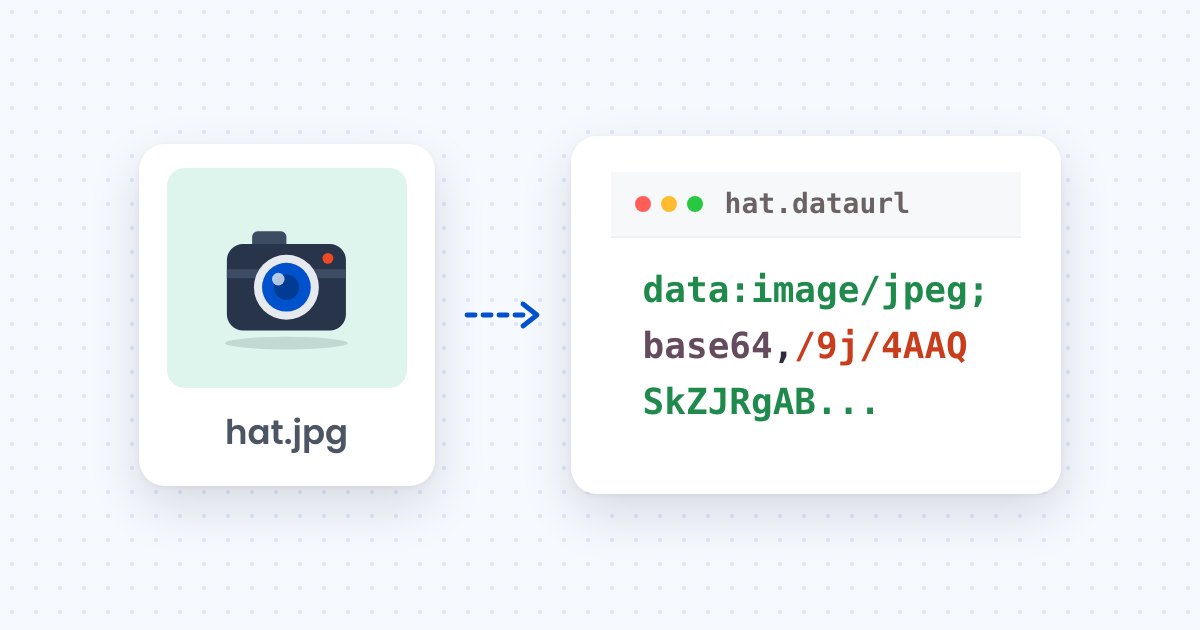
data:image/...;base64, prefix and decode the rest to bytes with fetch(dataUrl).blob() in the browser, Buffer.from in Node or base64.b64decode in Python.FileReader.readAsDataURL in the browser, toString("base64") in Node or base64.b64encode in Python.A Base64 image is an image file written as text. RFC 4648 defines the encoding: every three bytes of the file become four characters from a 64-character alphabet, so the string is about a third longer than the file.
On a 209,870-byte JPG, the string is 279,828 characters, a ratio of 1.33. A 5,089-byte AVIF thumbnail becomes 6,788 characters. The prefix data:image/jpeg;base64, turns the string into a data URL, which a browser accepts anywhere it accepts an image URL (data URLs on MDN).
Uploads to an API for image uploads return a URL, so Base64 appears mostly when a canvas, a camera, a clipboard or a database field hands you the bytes as text.
Yes. Paste a Base64 string or choose an image, and the tool below converts it in your browser, with nothing uploaded. The sections after it show the same conversions in code.
The examples use the 209,870-byte test photo saved as hat.jpg and a data URL file built from it, on Node.js 25 or Python 3.14. This creates both files:
curl -o hat.jpg https://cdn.filestackcontent.com/zcjsVk1qSKWjIebIhHuc
python3 -c "import base64; print('data:image/jpeg;base64,' + base64.b64encode(open('hat.jpg','rb').read()).decode(), end='')" > hat.dataurl
Remove the prefix, decode the remaining characters to bytes, and treat the bytes as a file. Each runtime does this in one call.
In the browser, fetch accepts a data URL, so the prefix needs no removal. This code turns a data URL into a Blob and shows it in an <img> element:
// dataUrl holds the full string, for example "data:image/jpeg;base64,/9j/4AAQ..."
const blob = await (await fetch(dataUrl)).blob();
document.querySelector("img").src = URL.createObjectURL(blob);
The Blob also works as a download or an upload body. For display alone, img.src = dataUrl is enough. For the 209,870-byte photo, fetch(dataUrl).blob() resolves to a 209,870-byte image/jpeg blob.
In Node, Buffer.from decodes Base64 to bytes, and the prefix has to go first. This code strips it and writes the file:
import { readFileSync, writeFileSync } from "node:fs";

const dataUrl = readFileSync("hat.dataurl", "utf8");
const bytes = Buffer.from(dataUrl.replace(/^data:image\/\w+;base64,/, ""), "base64");
writeFileSync("out.jpg", bytes);
console.log(bytes.length);
It prints 209870, and out.jpg is byte for byte the original. In Python, base64.b64decode does the same:
import base64
import re

data_url = open("hat.dataurl").read()
raw = base64.b64decode(re.sub(r"^data:image/\w+;base64,", "", data_url))
open("out.jpg", "wb").write(raw)
print(len(raw))
It prints 209870 as well. The Python base64 module is documented in the Python standard library.
Read the file as bytes and encode them. In the browser, FileReader.readAsDataURL returns the whole data URL, prefix included (FileReader.readAsDataURL on MDN):
const input = document.querySelector('input[type="file"]');
input.addEventListener("change", () => {
  const reader = new FileReader();
  reader.onload = () => console.log(reader.result); // data:image/jpeg;base64,/9j/4AAQ...
  reader.readAsDataURL(input.files[0]);
});
To get the string without the prefix, drop everything up to the comma. In Node, toString("base64") encodes a buffer:
import { readFileSync } from "node:fs";

const b64 = readFileSync("hat.jpg").toString("base64");
console.log(b64.length);
It prints 279828. In Python, base64.b64encode returns bytes, so decode them to get a string:
import base64

with open("hat.jpg", "rb") as f:
    b64 = base64.b64encode(f.read()).decode("ascii")
print(len(b64))
It prints 279828. Add data:image/jpeg;base64, in front when the string is going into an <img> or a CSS url(), and use the MIME type that matches the file.
Embed it only when the image is small. A data URL carries the image inside the HTML or CSS file, 33% larger than the image file, so every byte of it downloads with that file. A 5,089-byte thumbnail adds 6,788 characters to the page. The 209,870-byte photo adds 279,828.
An image served from its own URL downloads separately and keeps its original size. The 240 px AVIF tile below is a 5,089-byte file behind a 116-character CDN URL, and the same image as Base64 is 6,788 characters.

For product photos, serve a resized URL from the CDN, in the formats compared in WebP vs AVIF vs JPG.
Decode the string to bytes and send the bytes as the request body. A raw binary body has the file’s size, and a Base64 string inside JSON is a third larger and can hit a server’s body limit before the API sees it.
With Express 5.3.0 and body-parser 2.4.0, express.json() rejects any body over its 100 KB default limit with 413 and the message request entity too large. The 279,828-character string in a {"image": "..."} body is over that limit. The same body goes through express.json({ limit: "10mb" }), as checked on November 4, 2026. Each layer that sets such a limit, from nginx to the framework, is covered in the guide to fixing 413 errors on image uploads.
Uploading needs pip install requests and a Filestack API key, free at filestack.com/signup-free, saved as FILESTACK_API_KEY. This Python code decodes hat.dataurl and uploads the bytes to the Filestack store endpoint:
import base64
import os
import re

import requests

data_url = open("hat.dataurl").read()
raw = base64.b64decode(re.sub(r"^data:image/\w+;base64,", "", data_url))

response = requests.post(
    "https://www.filestackapi.com/api/store/S3",
    params={"key": os.environ["FILESTACK_API_KEY"]},
    data=raw,
    headers={"Content-Type": "image/jpeg"},
    timeout=30,
)
response.raise_for_status()
print(response.json()["url"])
The Filestack upload docs show the same call with curl --data-binary and list the response fields: url, size, type, filename and key. raise_for_status() raises an HTTPError on any 4xx or 5xx response, such as a rejected key, so a failed upload does not return a URL.
Three problems in the string stop a Base64 image from displaying. Each fails differently, as checked in Node 25.8.1 and Python 3.14.3 on November 4, 2026.
atob throws InvalidCharacterError on data:image/jpeg;base64,/9j/4AAQ. Node’s Buffer.from does not throw and returns 21 bytes of garbage. Python’s b64decode with validate=True raises binascii.Error.binascii.Error: Incorrect padding on abc, because a valid string has a length that is a multiple of four once padding is counted.- and _ where standard Base64 uses + and /. atob throws on it, and Python’s b64decode raised binascii.Error on the sample. Use base64.urlsafe_b64decode in Python, or Buffer.from(string, "base64url") in Node.No. Base64 makes it about a third larger, from 209,870 bytes to 279,828 characters for the test photo. Smaller images come from resizing and from a format such as WebP or AVIF.
It is the start of a data URL: data:, a MIME type such as image/jpeg, ;base64 and a comma, followed by the encoded bytes. Browsers need it to treat the string as an image, and decoders need it removed.
The encoding sets no limit, and each layer that carries the string sets its own. A web server, a framework’s body parser and an upload API each set a maximum request size, and the string counts at its encoded length, a third more than the file.
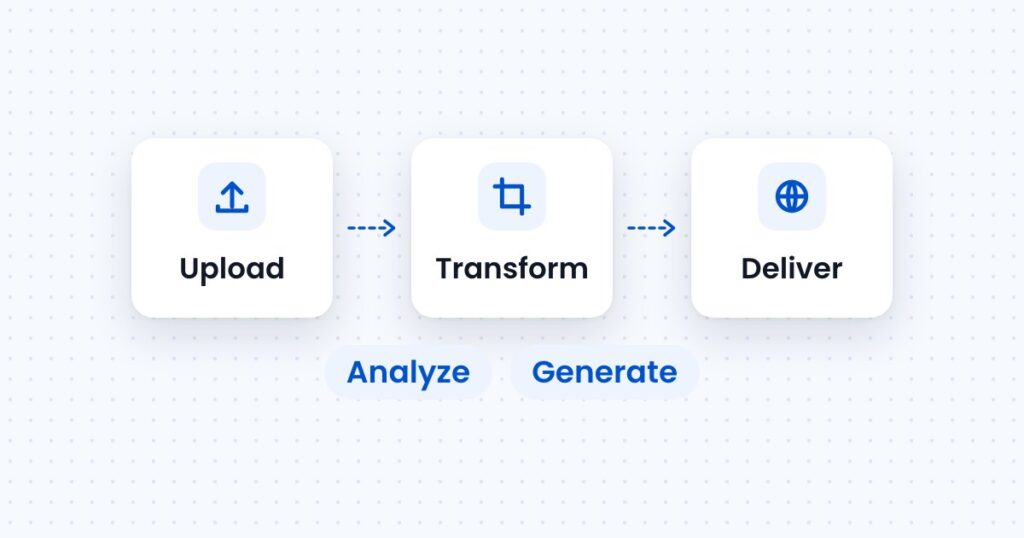
The five kinds of image API, with a real request for each, what each one is priced on, and how to pick the ones your app needs.
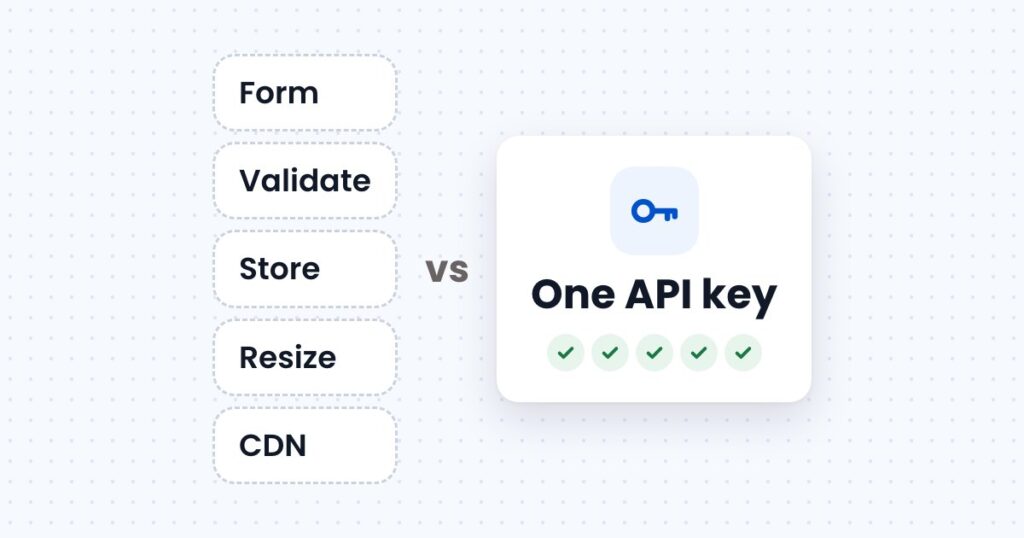
What it takes to accept, store, resize and deliver images on your own server, what an image upload API takes over, and usage at three store sizes.
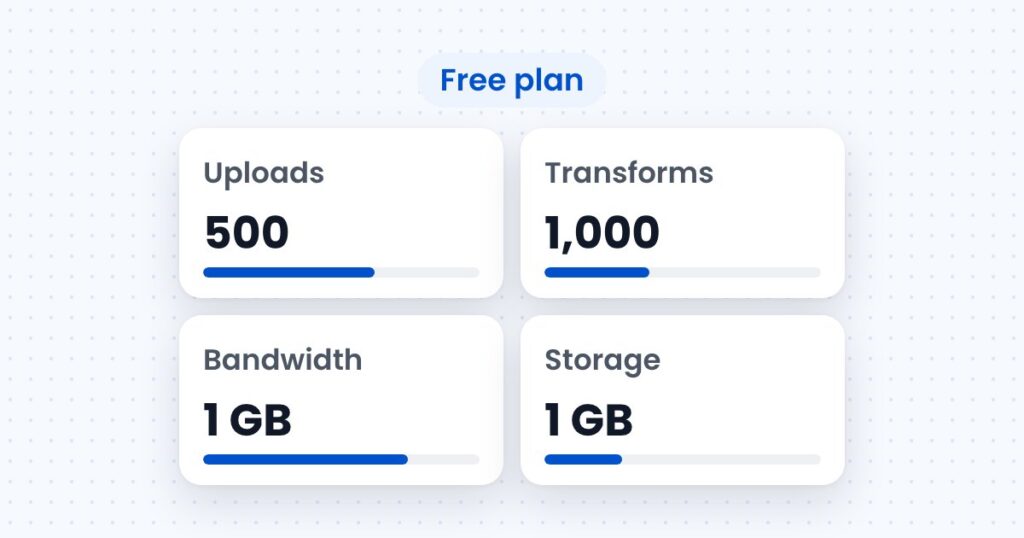
How image upload APIs price uploads, transformations, storage and bandwidth, with a worked monthly cost for a store with 2,000 products.