What Is an Image API? Five Kinds and What Each Does
The five kinds of image API, with a real request for each, what each one is priced on, and how to pick the ones your app needs.
We delivered one 205 KB product photo through the Filestack CDN at three widths, three crops and three formats, then measured all 27 files.
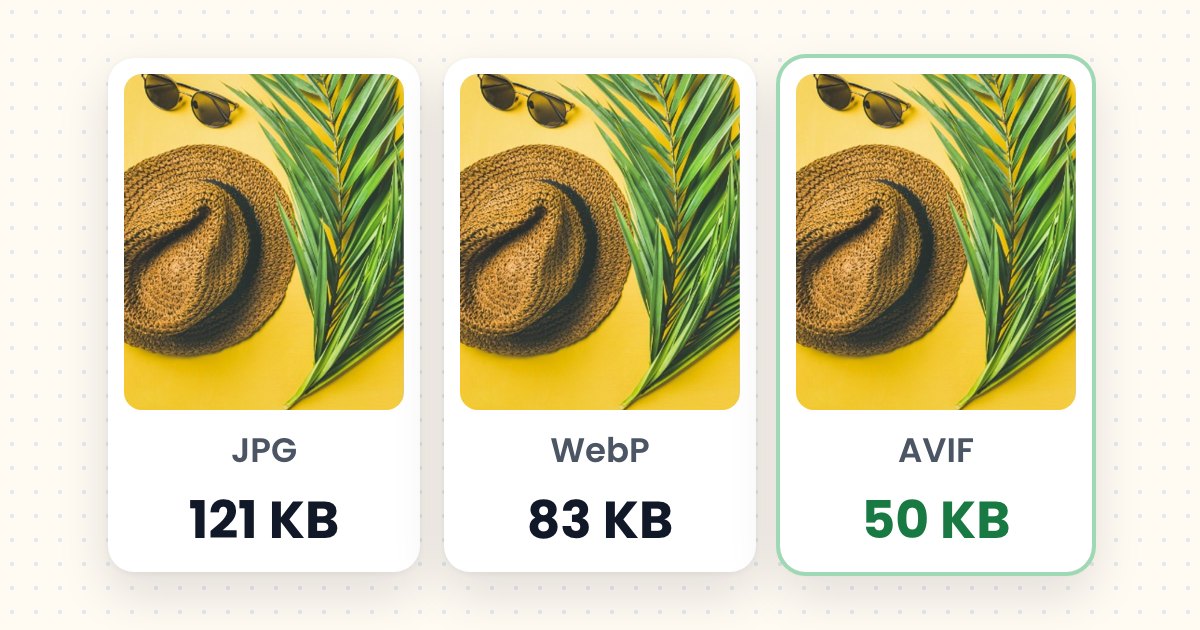
<picture> element, with JPG as the fallback.AVIF, at every width and crop we tested. Every file came from one upload to an API for image uploads, and Table 1 shows the three placements a store uses most.
| Placement | Size (px) | JPG | WebP | AVIF | AVIF saves |
|---|---|---|---|---|---|
| Product page | 720 × 1116 | 121 KB | 83 KB | 50 KB | 58% |
| Category grid | 480 × 480 | 52 KB | 44 KB | 30 KB | 41% |
| Cart | 240 × 300 | 20 KB | 18 KB | 15 KB | 23% |
A category page with 48 product tiles at 480 × 480 loads about 2.4 MB of images as JPG, 2.0 MB as WebP and 1.4 MB as AVIF. Bandwidth for those files is priced in what uploads, storage and bandwidth cost.
The same 480 px square, delivered in each format:


On this photo, 7% to 31% smaller, depending on width and crop. Google reports that lossy WebP files are 25 to 34% smaller than comparable JPEGs at equivalent SSIM quality. The 720 px result, 31%, falls inside that range. The smaller sizes came in below it.
Yes, on the three photos we added. On a towel, a pencil close-up and a rose photo, AVIF was the smallest file and JPG the largest at both widths. On these photos at 480 px, AVIF saved 53% to 63% against 48% on the hat, and at 240 px the lead was smaller than at 480 px for every photo.
| Photo | Width | JPG | WebP | AVIF | AVIF saves |
|---|---|---|---|---|---|
| Hat | 480 px | 67 KB | 52 KB | 35 KB | 48% |
| Towel | 480 px | 56 KB | 37 KB | 24 KB | 56% |
| Pencils | 480 px | 45 KB | 30 KB | 21 KB | 53% |
| Rose | 480 px | 25 KB | 14 KB | 9 KB | 63% |
| Hat | 240 px | 22 KB | 19 KB | 16 KB | 27% |
| Towel | 240 px | 17 KB | 13 KB | 9 KB | 48% |
| Pencils | 240 px | 16 KB | 13 KB | 11 KB | 31% |
| Rose | 240 px | 9 KB | 7 KB | 5 KB | 46% |


Every file is the same stored original, requested from cdn.filestackcontent.com with a different chain of URL tasks.
compress task, WebP at quality 80, and AVIF at quality 60.rotate=deg:exif.
Each encoder uses its own quality scale, so AVIF at 60 and JPG at 80 are encoder settings, not matched quality levels. The homepage demo uses these same settings, so you can run your own photo through it.
On this photo, AVIF’s lead over JPG grew with each step up in width: 19% to 27% at 240 px, 41% to 48% at 480 px, and 54% to 58% at 720 px. Table 2 lists all 27 files.
| Width | Crop | JPG | WebP | AVIF | AVIF saves |
|---|---|---|---|---|---|
| 720 px | Original | 121 KB | 83 KB | 50 KB | 58% |
| 720 px | 4:5 | 107 KB | 76 KB | 47 KB | 56% |
| 720 px | Square | 93 KB | 70 KB | 43 KB | 54% |
| 480 px | Original | 67 KB | 52 KB | 35 KB | 48% |
| 480 px | 4:5 | 60 KB | 47 KB | 33 KB | 45% |
| 480 px | Square | 52 KB | 44 KB | 30 KB | 41% |
| 240 px | Original | 22 KB | 19 KB | 16 KB | 27% |
| 240 px | 4:5 | 20 KB | 18 KB | 15 KB | 23% |
| 240 px | Square | 17 KB | 16 KB | 14 KB | 19% |
Less than on large images. A 240 px image holds one ninth of the pixels of a 720 px image at the same crop, and the three formats on the 240 px square came to 17 KB, 16 KB and 14 KB.
In bytes, AVIF saved about 3 KB over JPG on the 240 px square and about 70 KB on the 720 px product page image. On product page and grid images, the format changes each file by 21 to 70 KB.
Resizing. On this photo, a 480 px square JPG is 52 KB against 205 KB for the original, a 75% reduction before any change of format. Converting that square to AVIF took it to 30 KB.
The original is 721 pixels wide, so serving it into a 240 px cart slot sends about ten times the bytes the slot needs: 205 KB against 20 KB for a 240 × 300 JPG. Size each variant to the slot it fills, then pick the format.
Current Chrome, Edge, Firefox and Safari display both. Per Can I use, WebP is supported from Chrome 32, Edge 18, Firefox 65 and Safari 16, and AVIF from Chrome 85, Edge 121, Firefox 93 and Safari 16.4 (WebP, AVIF), data retrieved November 4, 2026. Email clients and marketplace feeds publish their own lists of accepted formats, so keep a JPG URL for them.
Use a <picture> element. The browser checks each <source> in order and loads the first format it supports, so list AVIF first, then WebP, and put the JPG in the <img> tag.
output task.<picture> element, AVIF first.<picture>
<source type="image/avif"
srcset="https://cdn.filestackcontent.com/rotate=deg:exif/resize=width:480,height:480,fit:crop,align:center/output=format:avif,quality:60/zcjsVk1qSKWjIebIhHuc">
<source type="image/webp"
srcset="https://cdn.filestackcontent.com/rotate=deg:exif/resize=width:480,height:480,fit:crop,align:center/output=format:webp,quality:80/zcjsVk1qSKWjIebIhHuc">
<img src="https://cdn.filestackcontent.com/rotate=deg:exif/resize=width:480,height:480,fit:crop,align:center/output=format:jpg,quality:80/compress/zcjsVk1qSKWjIebIhHuc"
width="480" height="480" alt="Straw sun hat on a yellow background" loading="lazy">
</picture>The CDN generates each variant from the stored original on request, so adding a format later takes one more URL from the same upload.
For file size, yes. In this test, AVIF files were 12% to 39% smaller than WebP files of the same width and crop.
Yes. Both formats support an alpha channel for transparency, and JPG has none, so product cutouts that need a transparent background can be delivered as WebP or AVIF (MDN).
Yes. Change the output task in the image’s CDN URL, for example from output=format:jpg to output=format:avif. The stored file stays as it is.
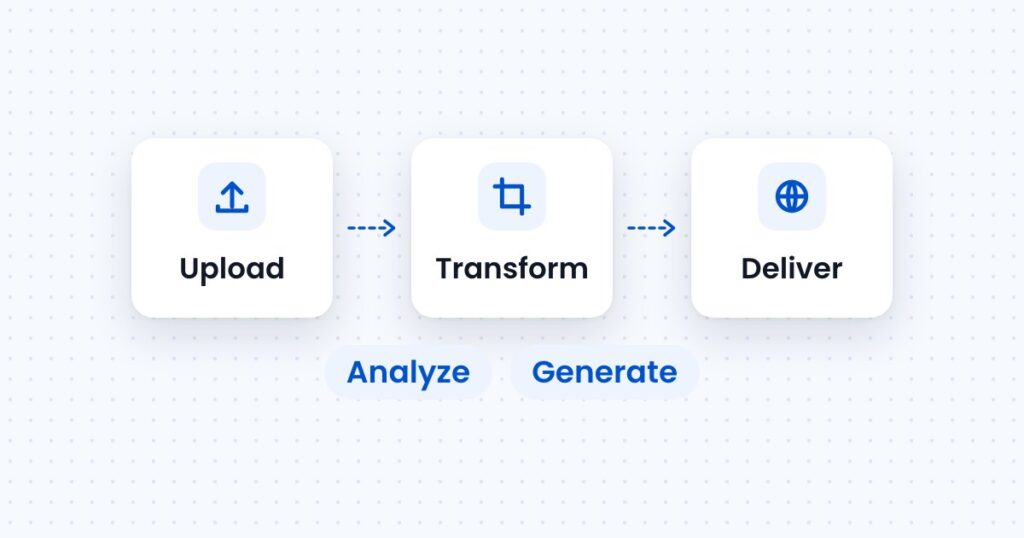
The five kinds of image API, with a real request for each, what each one is priced on, and how to pick the ones your app needs.
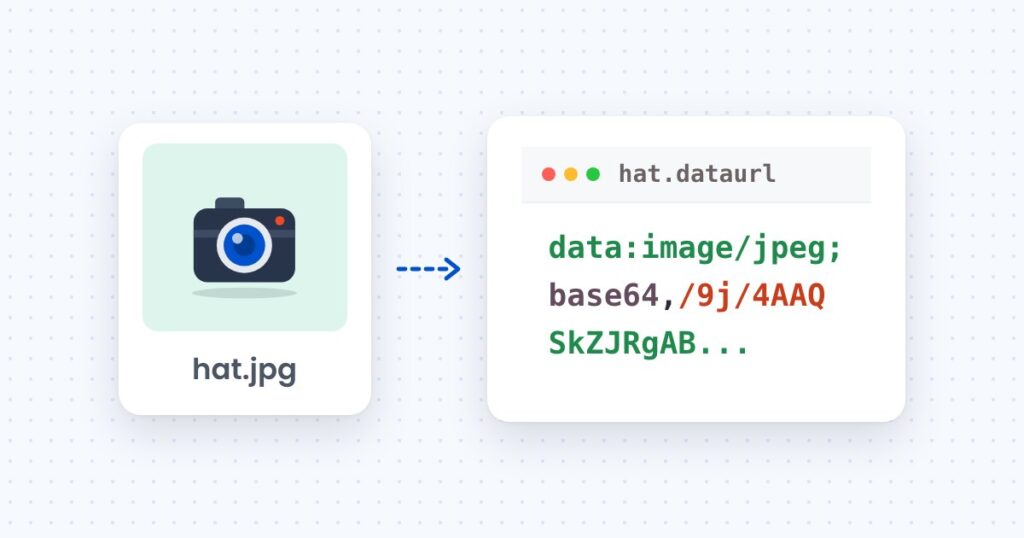
Convert Base64 to an image and back in the browser, Node and Python, with the size cost of Base64 measured on a 205 KB photo.
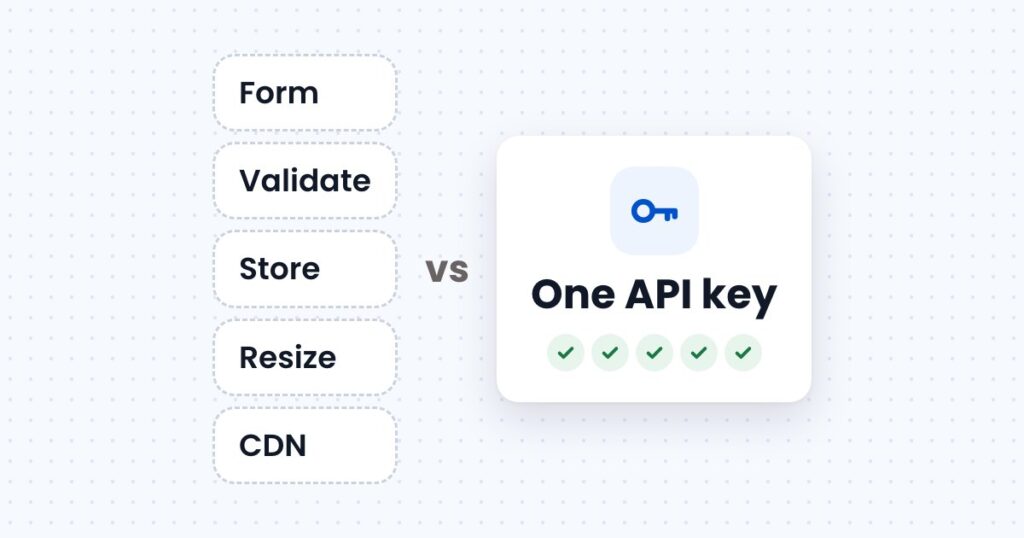
What it takes to accept, store, resize and deliver images on your own server, what an image upload API takes over, and usage at three store sizes.